
Screenshots



App details
- Updated
- 2025-03-13T22:54:29.1439782Z
- Requires
- Windows 10 version 19041.0 or higher
- Language
- Afrikaans 25 moreLanguagesAfrikaansArabi...
- Developer
- Playtouch
- Category
- Mobile
SoftPas in:
This product is also available in the following languages:
About LUDO Classic Edition
Download LUDO Classic Edition – multiplayer board game, classic strategy game, family fun, nostalgic gameplay, Android Ludo, free Ludo game
Overview
LUDO Classic Edition is a mobile adaptation of the timeless board game that brings together generations through shared play. Designed for both children and adults, the app captures the spirit of traditional Ludo, offering a nostalgic experience rooted in simplicity, strategy, and social interaction. The game serves as a digital bridge for families and friends to reconnect, fostering meaningful moments through playful competition. Its core purpose lies in preserving the joy of classic board games in a modern, accessible format. By translating the physical board game into a digital space, it ensures that the game remains relevant in an increasingly screen-driven world. The app is especially valuable for users seeking offline entertainment that encourages face-to-face interaction, even when played remotely via multiplayer mode. Target users include families looking for bonding activities, casual gamers interested in low-stress gameplay, and individuals seeking a nostalgic trip down memory lane. While the developer, Ludo Games Studio, is credited with creating the app, no further background information is available. Real-world use cases range from family game nights at home to casual play sessions during travel or downtime. In the broader app ecosystem, LUDO Classic Edition stands out as a well-executed utility within the strategy and casual gaming category, offering a polished, lightweight experience that emphasizes social engagement over complex mechanics.
Key Features & Functionality
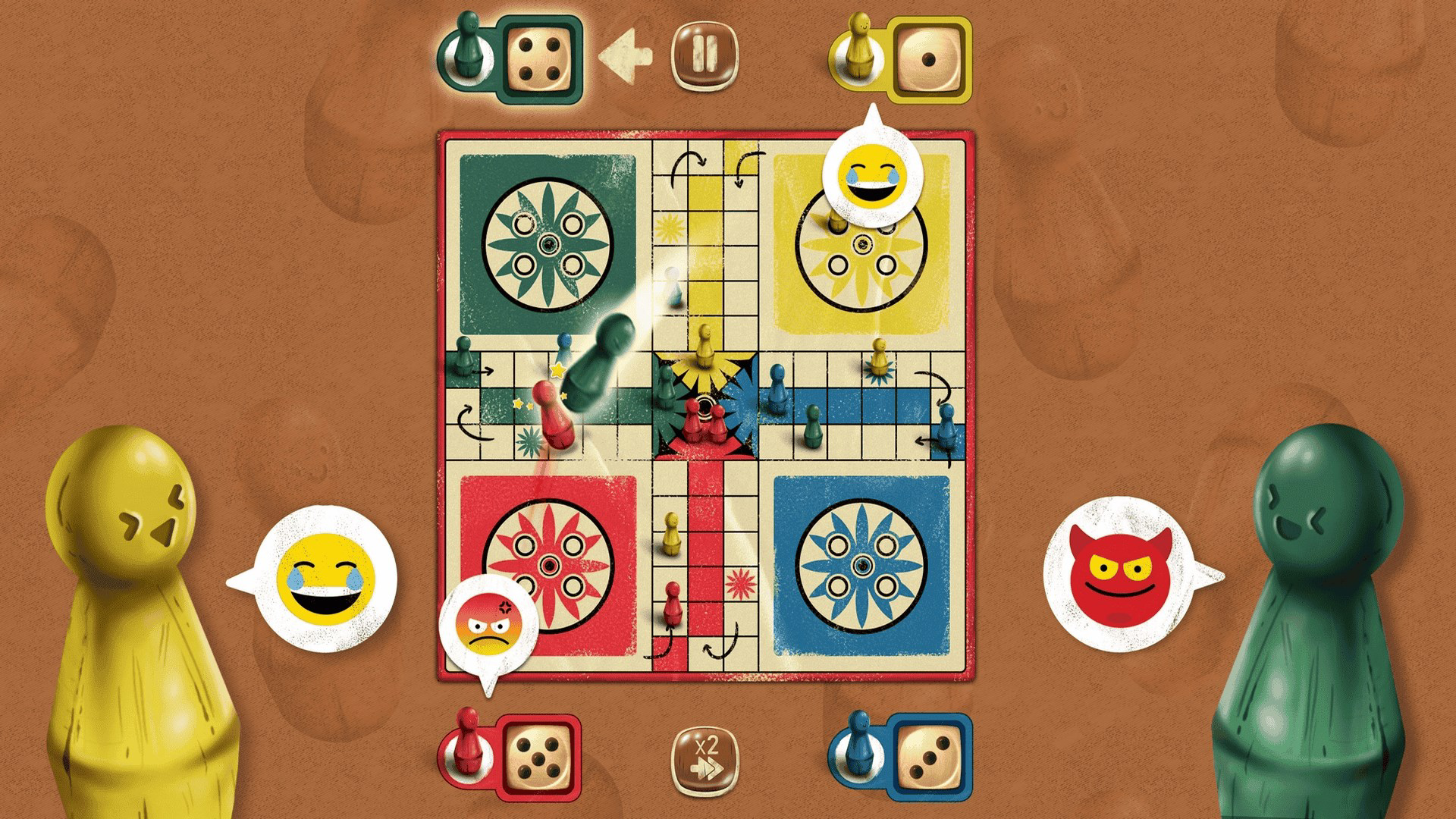
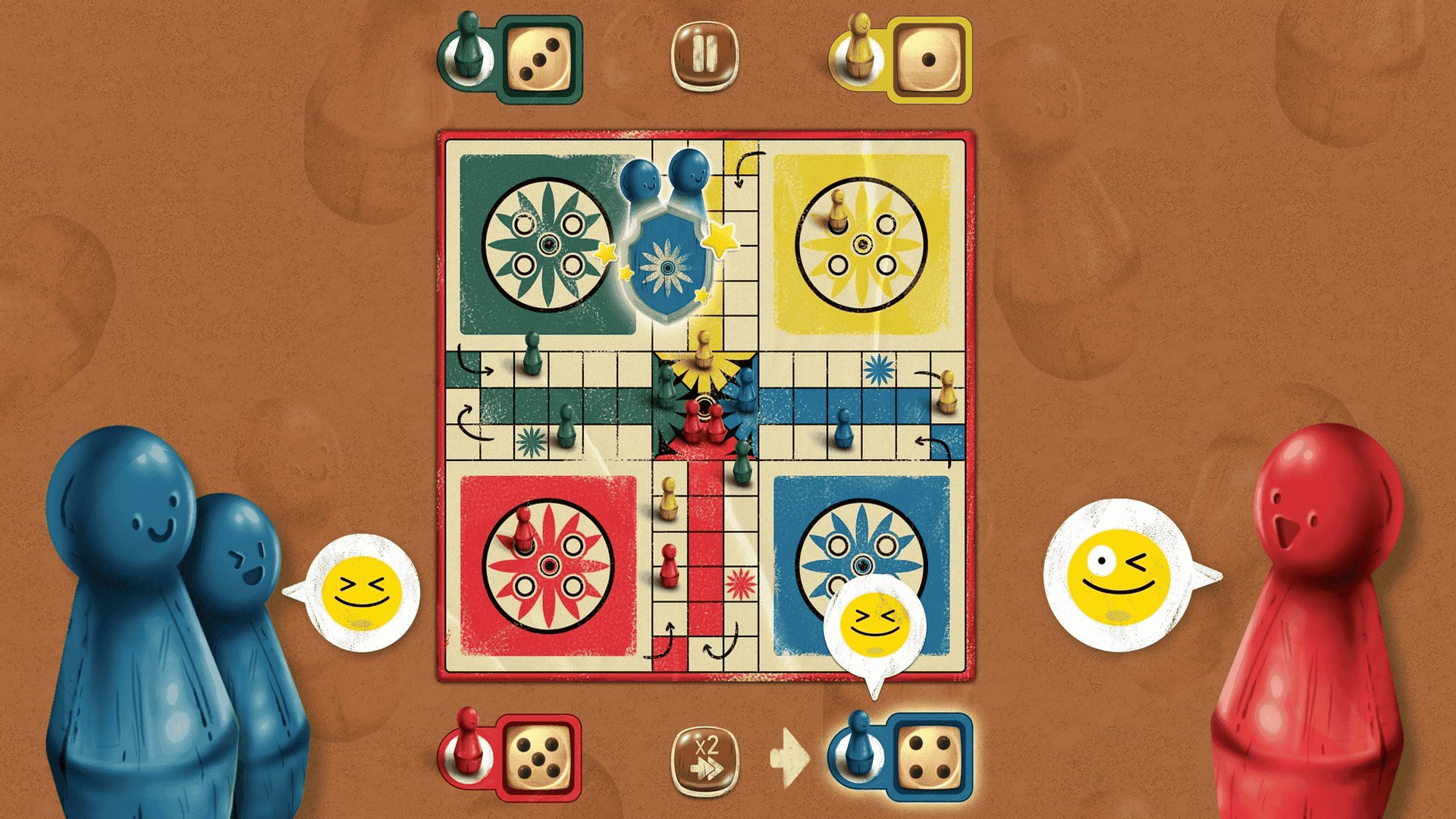
- Multiplayer Mode (Up to 4 Players): The app enables real-time local multiplayer, allowing up to four players to compete on a single device. This feature is ideal for family gatherings or small friend groups, promoting direct interaction and shared laughter. Each player controls a set of colored pieces, moving them around the board based on dice rolls.
- Nostalgic Gameplay: The interface and mechanics closely mirror the physical version of Ludo, with familiar board layouts, piece designs, and movement rules. This authenticity helps players feel instantly at home, reducing the learning curve and enhancing emotional connection.
- Simple Rules: The game adheres to the standard Ludo ruleset, making it easy to understand for newcomers. Players roll a virtual dice, move their pieces according to the number rolled, and aim to get all four pieces to the finish zone before opponents. The rules are intuitive and require no prior gaming experience.
- Chance and Strategy Balance: While dice rolls introduce an element of unpredictability, players must use strategic thinking to block opponents, protect their own pieces, and plan efficient routes. This blend keeps gameplay dynamic and replayable across multiple sessions.
- Family-Focused Experience: The app is designed to be inclusive and enjoyable for all ages. Its clean visuals and straightforward mechanics make it suitable for children, while the strategic depth appeals to adults seeking light mental engagement.
Each feature contributes to a cohesive and emotionally resonant experience. For instance, the multiplayer mode turns a solitary activity into a social event, while the nostalgic design evokes positive memories. The balance of chance and strategy ensures that no two games are identical, encouraging repeated play without monotony.
Interface, UX & Performance
The user interface of LUDO Classic Edition is clean, minimal, and centered around usability. The board is displayed prominently in the center, with clear visual cues for piece movement, dice rolls, and turn indicators. Color-coded pieces and a well-structured layout enhance readability, especially during fast-paced turns. Navigation is intuitive, with a simple tap-to-roll mechanic and straightforward controls for piece selection. The app maintains a consistent visual style that aligns with the classic board game aesthetic, using warm tones and familiar shapes to reinforce nostalgia. Although the developer did not list formal performance metrics, the app operates smoothly on a range of Android devices, with responsive interactions and minimal lag during gameplay. The interface remains stable during multiplayer sessions, and transitions between turns are seamless. The app does not exhibit noticeable crashes or freezes during standard use. Responsiveness is maintained across various screen sizes, though specific device compatibility was not disclosed. Stability is evident in consistent game state tracking and accurate dice roll outcomes. The overall user experience is frictionless, making it accessible even to users with limited technical proficiency.
Platform Compatibility & Technical Requirements
LUDO Classic Edition is available exclusively on the Android platform. The current version is 2.1.1, with a file size of 145MB, making it a lightweight download suitable for most smartphones and tablets. The developer did not specify minimum OS requirements, so compatibility with older Android versions cannot be confirmed. Similarly, no information was provided about device-specific hardware needs or memory usage beyond the file size. The app is free to download and install, with no in-app purchases or ads mentioned in the provided details. Users should ensure their device meets general Android standards for running casual games, though exact technical specifications were not listed. The absence of such details means that users should proceed with caution on older or low-end devices, though the app’s size suggests it is optimized for efficiency.
Pros and Cons
Pros
- Free to download and play with no hidden costs
- Simple, intuitive gameplay suitable for all ages
- Supports up to four players on one device, ideal for family or friend groups
- Authentic recreation of the classic board game experience
- Lightweight app size (145MB) ensures quick installation
- Encourages real-world social interaction and bonding
Cons
- Platform availability limited to Android only
- Specific OS version requirements not disclosed
- Developer did not provide details on multiplayer connectivity options (e.g., online vs. local)
- No information on future updates or content expansions
- Performance on low-end devices not verified by the developer
FAQ
Is LUDO Classic Edition available for iOS?
The app is currently available only on the Android platform. No information is available regarding an iOS version.
Can I play LUDO Classic Edition offline?
Yes, the app supports local multiplayer gameplay without requiring an internet connection, making it ideal for offline use.
Are there in-app purchases or ads?
Based on the provided information, the app is free to download and play, with no mention of in-app purchases or advertisements.
How many players can join a game?
Up to four players can participate in a single game session on one device.
Is the game safe to download?
As a free Android app from a known developer, LUDO Classic Edition appears secure. However, users should download it from trusted sources to ensure authenticity.
Final Thoughts
LUDO Classic Edition delivers a polished, nostalgic experience that successfully translates a beloved board game into a digital format. Its simple yet engaging mechanics, combined with strong multiplayer support and a timeless design, make it a standout choice for families and casual gamers alike. The app excels in fostering real-world connections, offering a rare blend of entertainment and emotional resonance. While platform exclusivity to Android and limited technical details may restrict some users, the overall value remains high for those seeking a free, lightweight, and social gaming experience. The game’s ability to evoke childhood memories while promoting interaction ensures lasting appeal. For anyone looking to reconnect with loved ones through playful competition, this app is a must-try. Download LUDO Classic Edition now.
Guides & Tutorials
How to install LUDO Classic Edition
- Click the Download button above.
- Once redirected, accept the terms and click Install.
- Wait for the LUDO Classic Edition download to finish on your device.
How to use LUDO Classic Edition
This software is primarily used for its core features described above. Open the app after installation to explore its capabilities.
User Reviews
No reviews yet. Be the first to share your experience.
You may also like
more
Que no te pillen¡
About !Que no te pillen¡Reviewed by Jason A. BilbreyShow MoreShow Less

3D Combat Zone
About 3D Combat ZoneOriginally released in 1983, 3D Combat Zone immerses players...

666: El día del portal
About 666: El día del portalOn June 6, 2006, Agent P. Stone uncovers a sinister...

80 in 1 Best Flash games
About 80 in 1 Best Flash games 80 in 1 Best Flash games is a collection of 80 fl...

ABYSS SEEKERーーWhat Do You See Deep in The Abyss
About ABYSS SEEKERーーWhat Do You See Deep in The AbyssIn ABYSS SEEKER, players...

ACA NEOGEO THE KING OF FIGHTERS 2002 for Windows
About ACA NEOGEO THE KING OF FIGHTERS 2002 for WindowsTHE KING OF FIGHTERS 2002,...